5 posts tagged with "recording"

View All Tags

Desktop Mac App, for Bot less Meeting Recording

· One min read
Jonathan Liu
Founder, Co-CEO

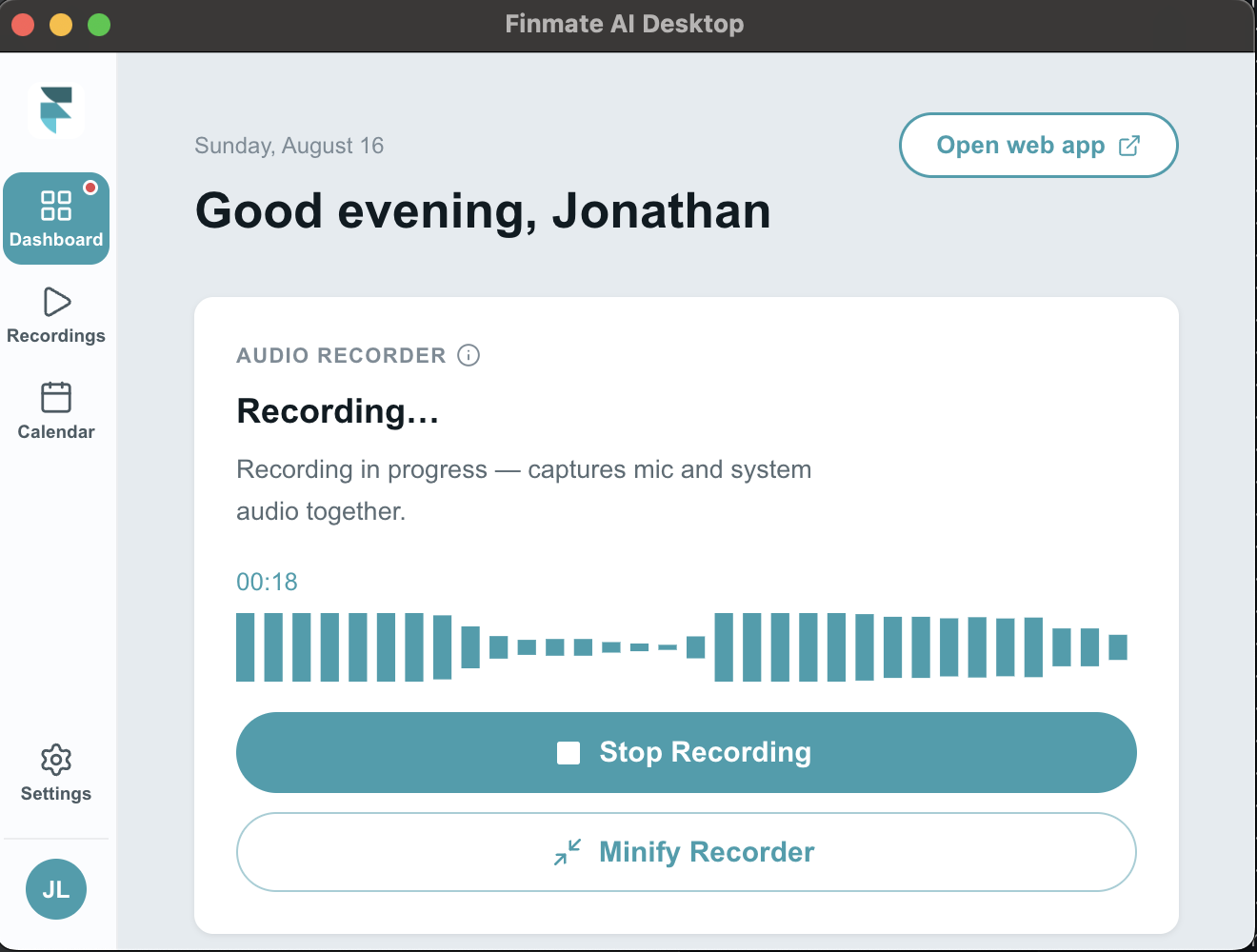
Finmate AI Desktop is a lightweight menu-bar app for Mac that automatically records your meetings — capturing both your microphone and the other participants' audio — so you never have to worry about taking notes again.

It detects when you've joined a meeting and starts recording on its own, runs quietly from the menu bar with a live recording indicator, and lets you choose a recording quality that fits how you'll use the audio. Recordings save locally and sync to your Finmate account, where they're turned into meeting notes and synced to your CRM. The app stays up to date automatically in the background, so there's nothing to manage.

Download Mac Desktop App

Windows Desktop App, Coming Soon
Phone Extensions

· One min read
Kelly Goodwin
Developer Architect

We've expanded our call recording capabilities to support phone extensions. You can now record calls directly from phones that use extensions, keeping your workflow uninterrupted.

Phone Line Integration

· One min read
Patrick McPherson
Software Developer

We are now have phone line integration to easily have you call us, or us call you and record your phone meetings.

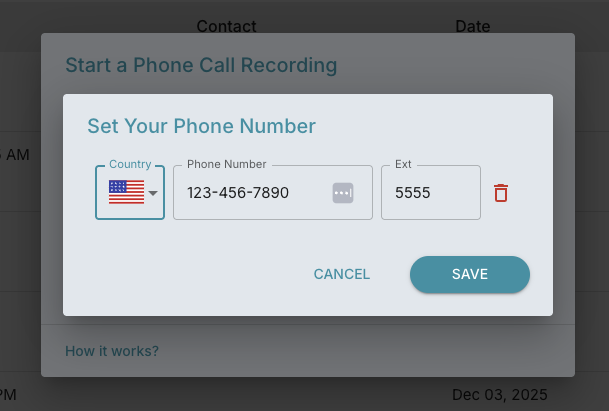
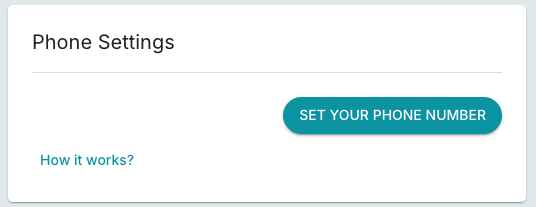
Simply set your phone number either through the Call button on the dashboard page, or Settings > Recorder > Phone Settings

Once your phone number is set:

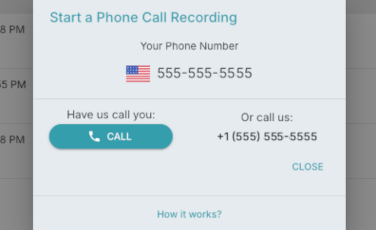
  1. You can start call you by opening the Start a Phone Call Recording dialog by clicking the Call button on the dashboard.
  2. From here you can either have us call you by clicking the Call button or call us at the number provided under Or call us.
  3. To add your client to the call find your Add or Add Call button and dial your client's number.
  4. Find the merge button to create a conference call with your client, our FinMate recorder, and you.

You can change or delete your phone number in Phone Settings - Settings > Recorder > Phone Settings

Zoom Phone

· One min read
Jonathan Liu
Founder, Co-CEO

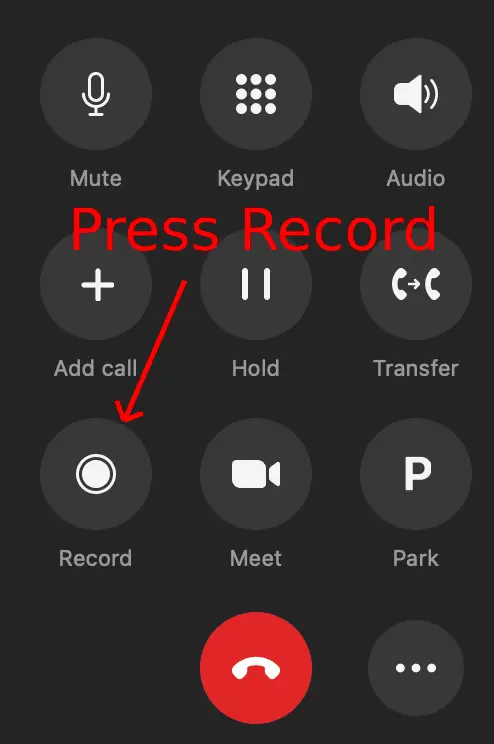
Zoom Phone is now integrated. You can easily call your clients via zoom phone, and have the recorded conversation sent to FinMate AI for processing.

While on the zoom phone call, press the record button.