3 posts tagged with "desktop"

View All Tags

FinMate vs. Zoom AI Companion and Fathom: Why Wealth Managers Need a Financial-Advisor-Specific Note Taker

· 7 min read

Every AI note taker can turn a meeting into a summary. That is not the hard part. The hard part is a summary you can trust when the conversation is about someone's retirement.

If you are a wealth manager, the details are the meeting. The $85,000 Roth conversion. The 2% withdrawal rate. The beneficiary change on the IRA. The spouse who wants to retire at 62, not 65. A summary that rounds, drops or garbles any of those is worse than no summary, because it looks complete.

This post compares FinMate, the #1 note taker for financial advisors, with two popular general-purpose tools, Zoom AI Companion and Fathom, and explains why advisors are moving to a note taker designed around their work.
Topic Tracker

· One min read
Software Developer

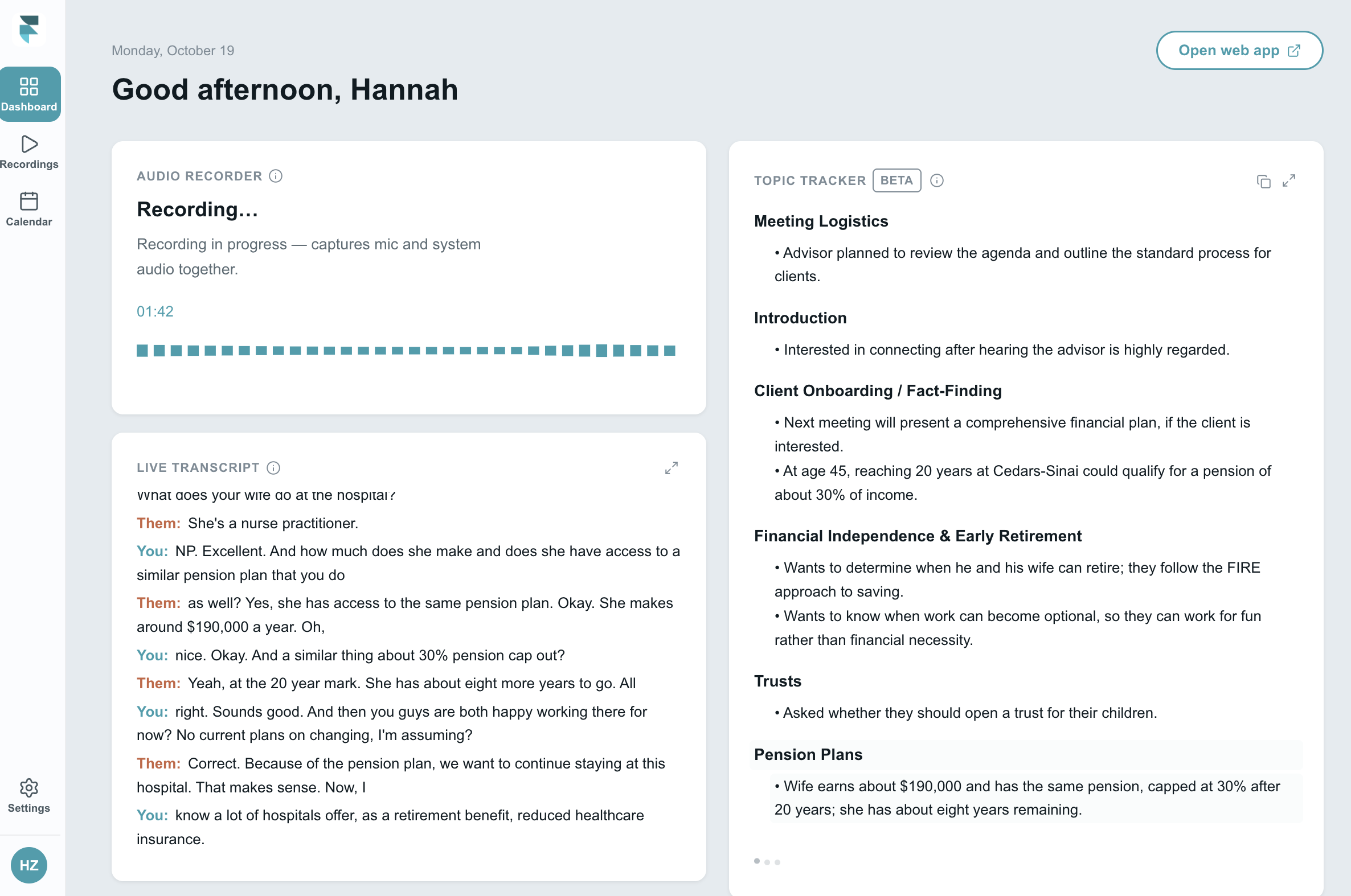
Topic Tracker is now in the FinMate Desktop App. As your meeting goes on, it picks up the financial topics your client brings up and keeps track of the details they shared under each one. No more scribbling notes or scrolling back through a transcript to remember what came up.

Download the Desktop App: Mac (Apple Silicon) | Windows

How it works​

  • Follow along live as topics come up during your meeting.
  • Covers 200+ topics, from retirement to estate planning to insurance.
  • Copy the outline into your notes with one click.
  • Find it again later under Review your recordings.
  • To turn it on, go to Settings > Live Insights and enable Live Transcript and Topic Tracker.

Topic Tracker is in beta. Standard users can use it for free for a limited time, and future usage credits may apply.

Learn more here.

Desktop Mac App, for Bot less Meeting Recording

· One min read
Jonathan Liu
Founder, Co-CEO

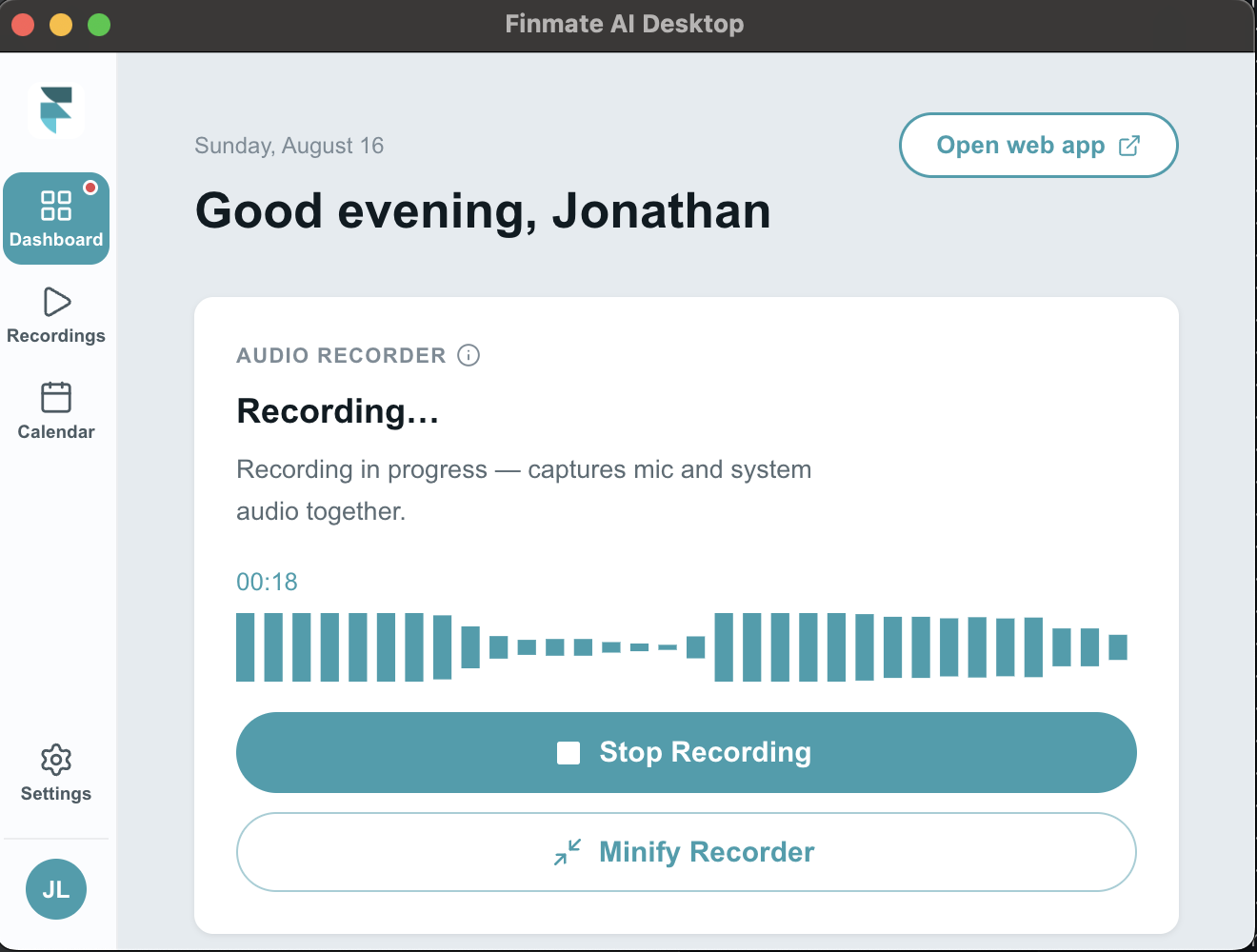
Finmate AI Desktop is a lightweight menu-bar app for Mac that automatically records your meetings — capturing both your microphone and the other participants' audio — so you never have to worry about taking notes again.

It detects when you've joined a meeting and starts recording on its own, runs quietly from the menu bar with a live recording indicator, and lets you choose a recording quality that fits how you'll use the audio. Recordings save locally and sync to your Finmate account, where they're turned into meeting notes and synced to your CRM. The app stays up to date automatically in the background, so there's nothing to manage.

Download Mac Desktop App

Windows Desktop App, Coming Soon