Generate Financial Plans in eMoney, MoneyGuide, RightCapital, and more through PreciseFP
· One min read

FinMate now can automatically generate and transfer detailed financial records from your client meetings. Save time and reduce errors by eliminating manual data entry.
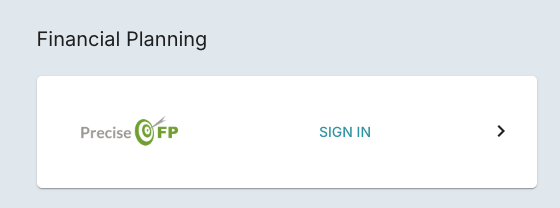
- Connect PreciseFP under Settings → Integrations → PreciseFP Integration
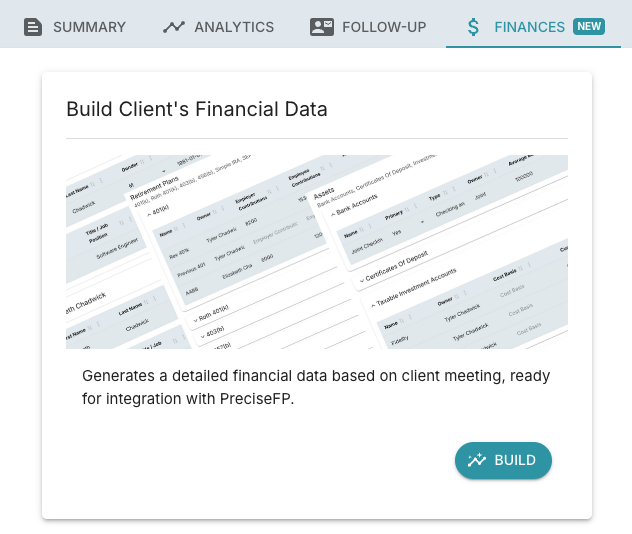
- After the meeting transcript is ready, go to Finances tab
- Click Build and wait for the generated data
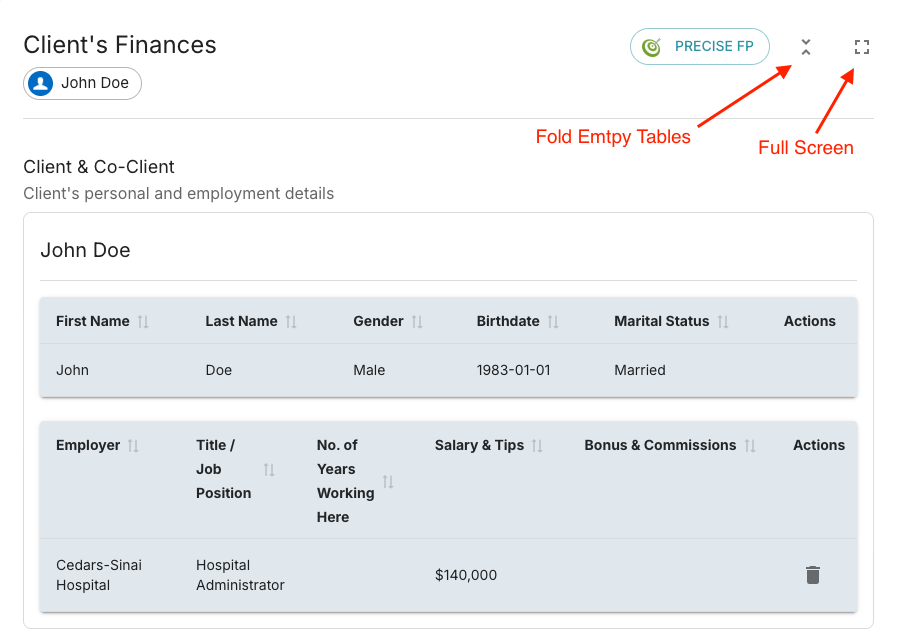
- After the data is ready, update the data (using "Fold Empty Tables" and "Full Screen" feature for better usability)
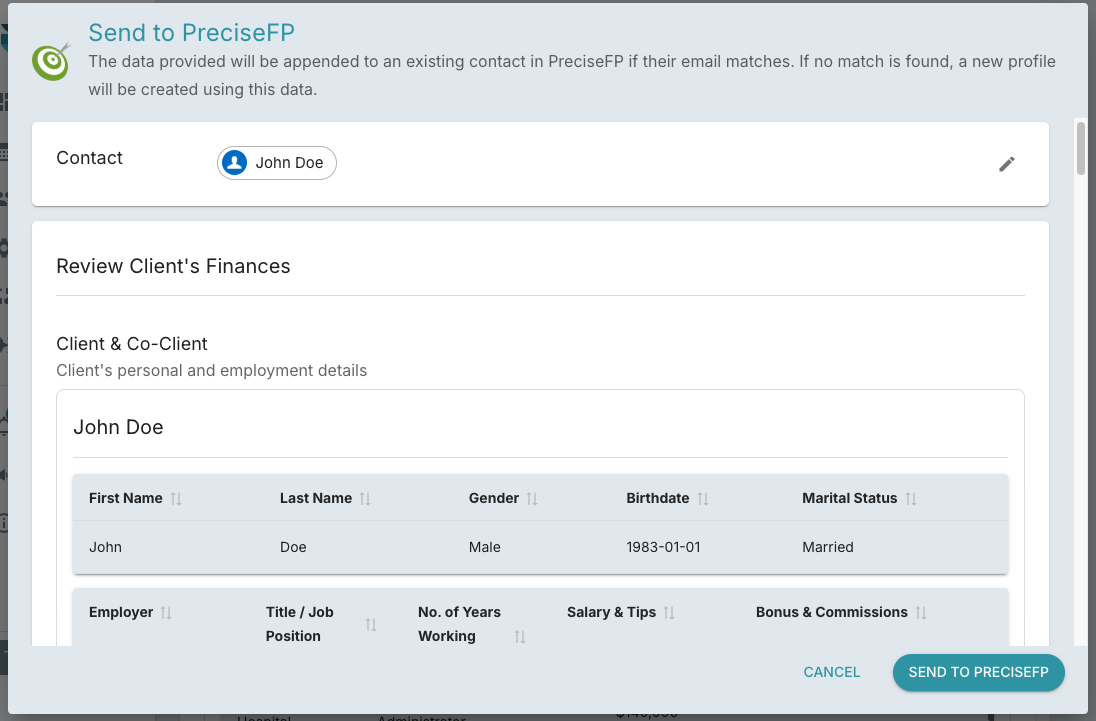
- Open PreciseFP dialog to confirm and send the data to PreciseFP