Phone Line Integration
· One min read

We are now have phone line integration to easily have you call us, or us call you and record your phone meetings.
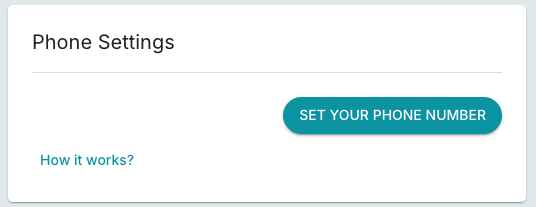
Simply set your phone number either through the Call button on the dashboard page, or Settings > Recorder > Phone Settings
Once your phone number is set:
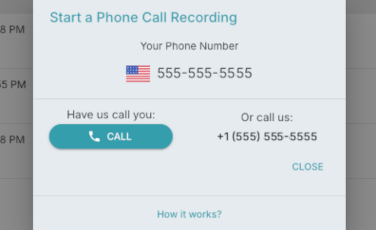
- You can start call you by opening the Start a Phone Call Recording dialog by clicking the Call button on the dashboard.
- From here you can either have us call you by clicking the Call button or call us at the number provided under Or call us.
- To add your client to the call find your Add or Add Call button and dial your client's number.
- Find the merge button to create a conference call with your client, our FinMate recorder, and you.
You can change or delete your phone number in Phone Settings - Settings > Recorder > Phone Settings