GoTo Connect
· One min read

We've expanded our integration with GoTo to their phone service GoTo Connect.
We've expanded our integration with GoTo to their phone service GoTo Connect.

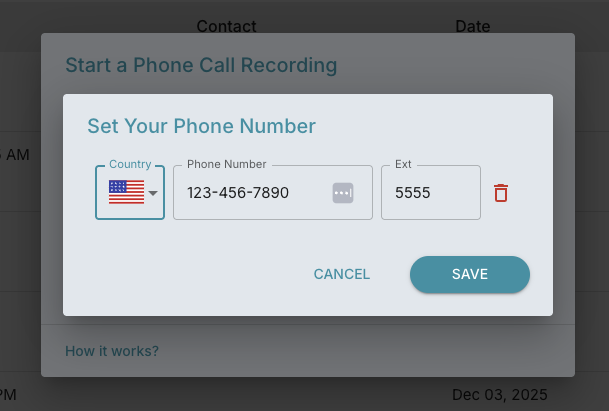
We've expanded our call recording capabilities to support phone extensions. You can now record calls directly from phones that use extensions, keeping your workflow uninterrupted.
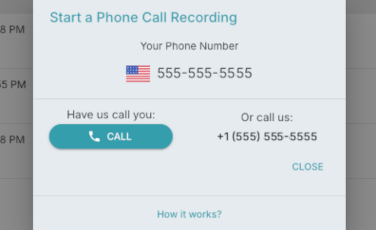
We are now have phone line integration to easily have you call us, or us call you and record your phone meetings.
Simply set your phone number either through the Call button on the dashboard page, or Settings > Recorder > Phone Settings
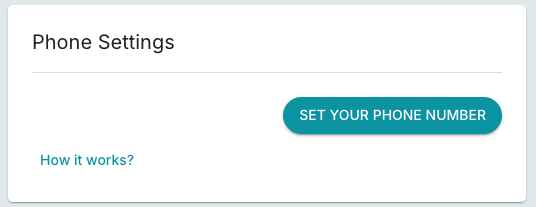
Once your phone number is set:
You can change or delete your phone number in Phone Settings - Settings > Recorder > Phone Settings

Zoom Phone is now integrated. You can easily call your clients via zoom phone, and have the recorded conversation sent to FinMate AI for processing.

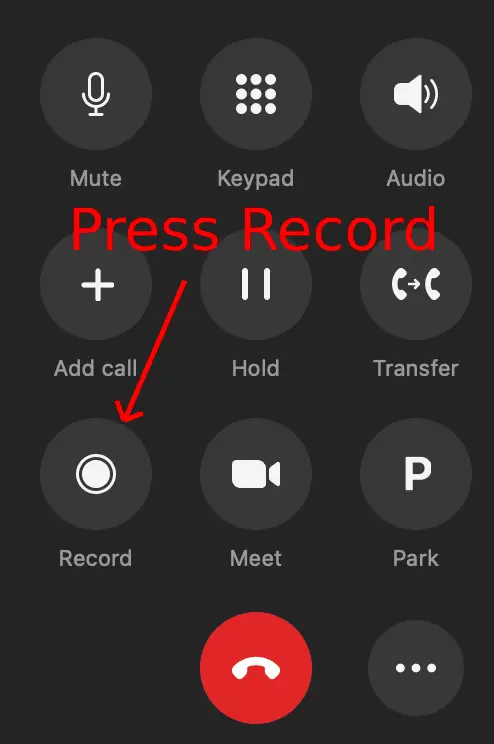
While on the zoom phone call, press the record button.