AI Chat
· One min read

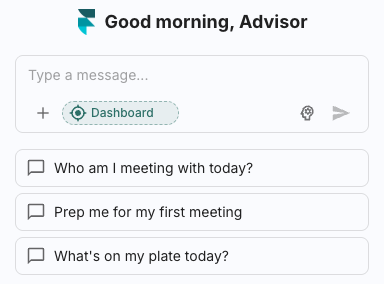
Finmate AI now has a built-in AI Chat service to help you with any FinMate related tasks.
Learn more here.
Finmate AI now has a built-in AI Chat service to help you with any FinMate related tasks.
Learn more here.
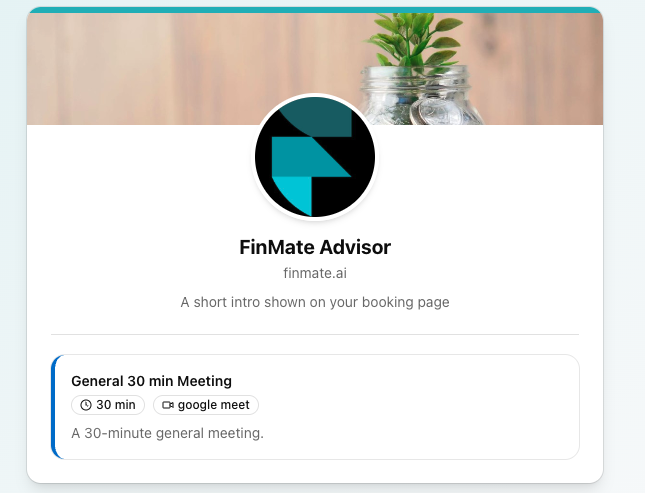
Finmate AI now has a built-in scheduling service that allows you to create your own booking page, making scheduling with clients easy.
You can create meeting types and availible dates for your clients to choose from.
Learn more here.
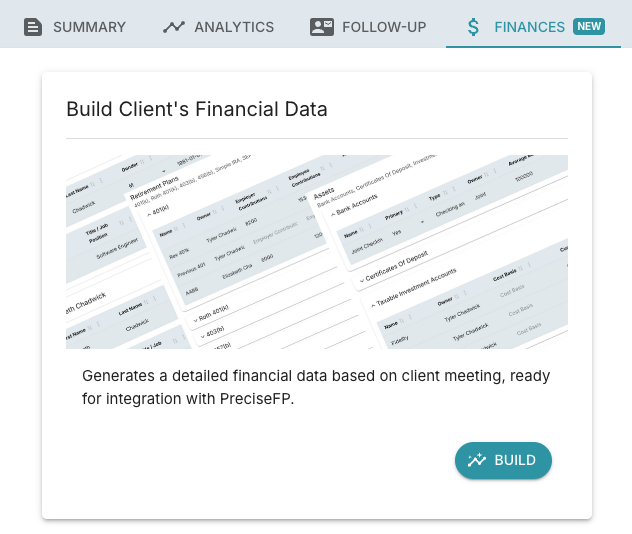
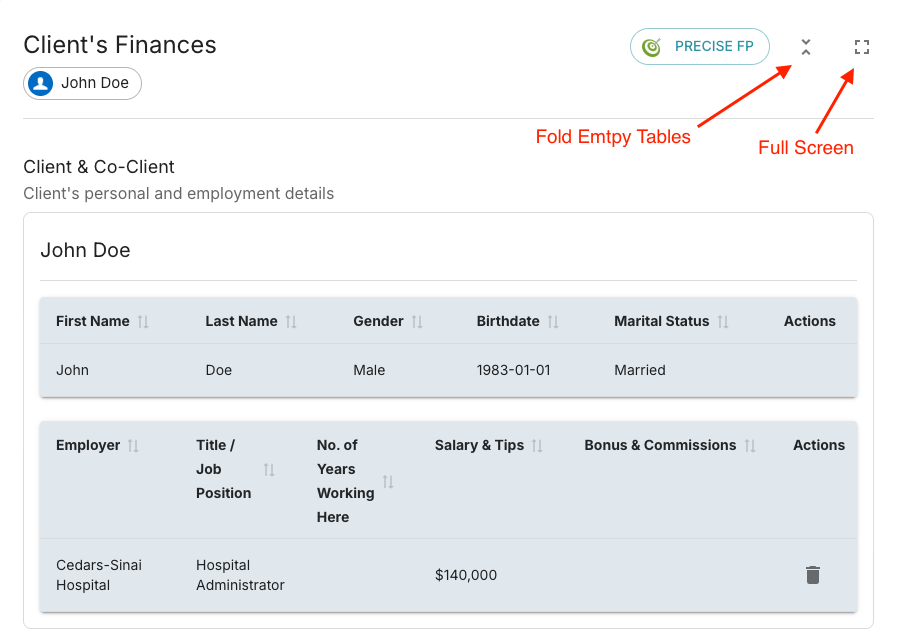
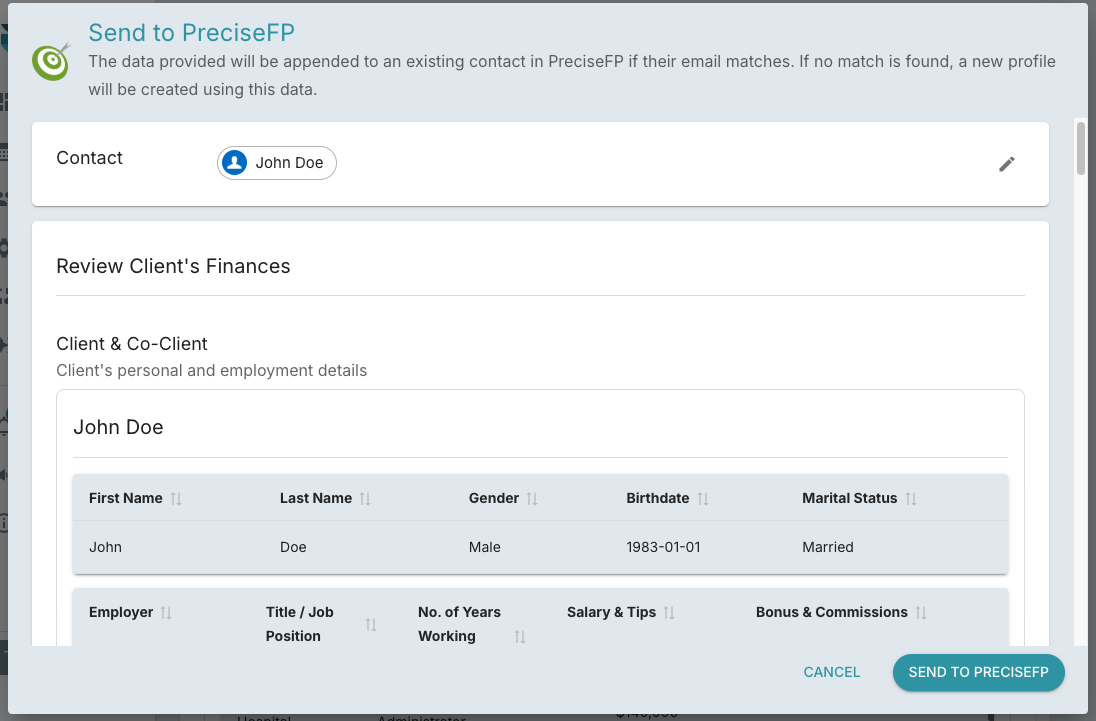
FinMate now can automatically generate and transfer detailed financial records from your client meetings. Save time and reduce errors by eliminating manual data entry.
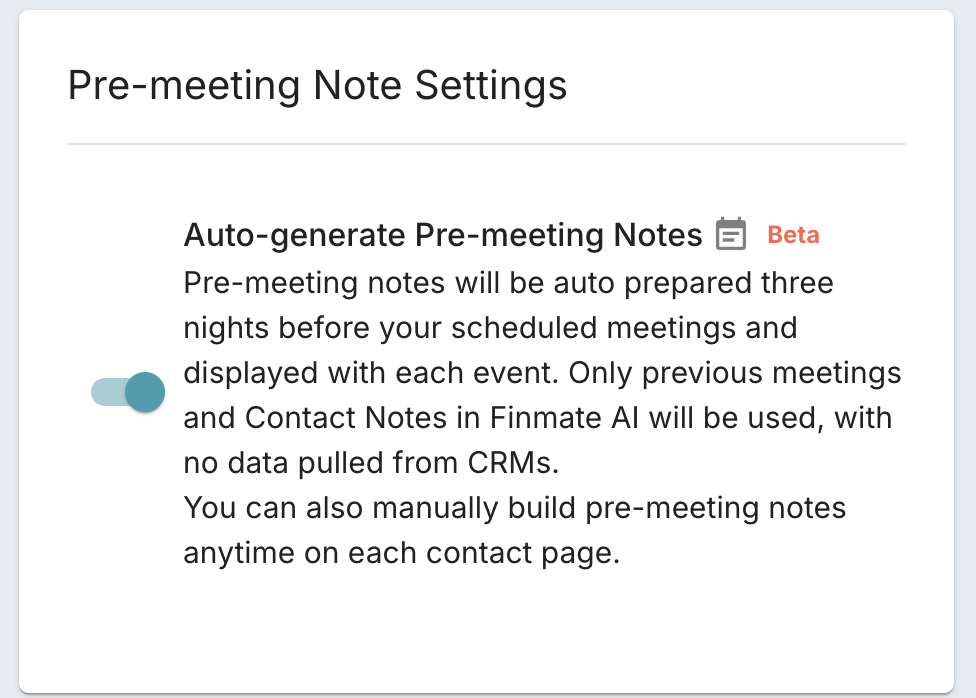
We've enhanced pre-meeting notes with automatic generation 3 days ahead, expanded data sources including contact notes, and manual build options.
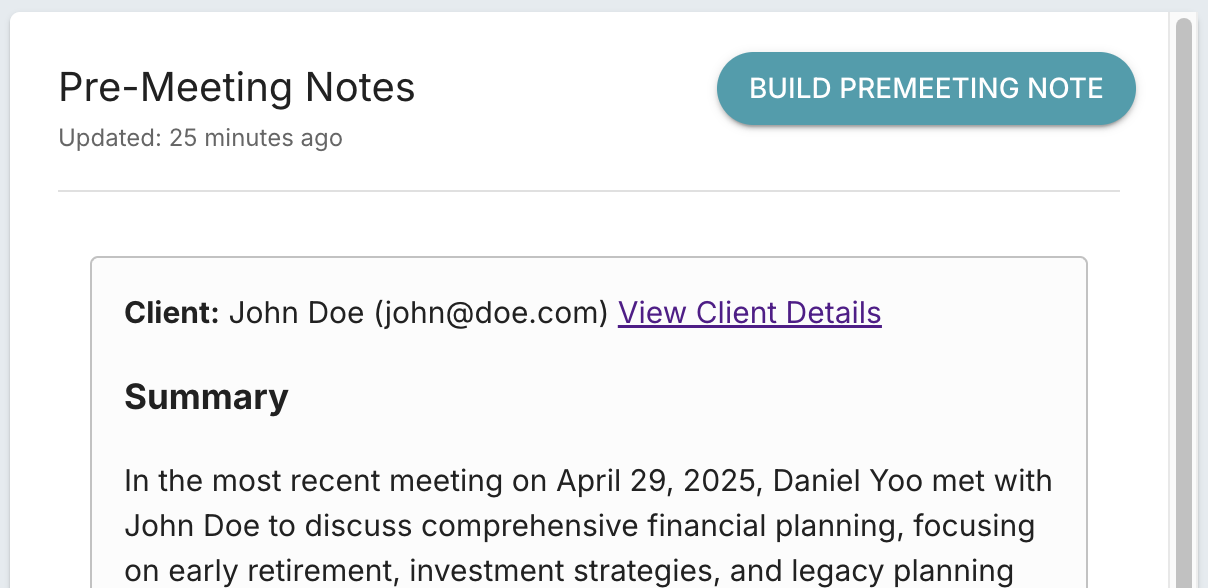
Auto-generation: Notes automatically build 3 days before meetings when enabled in settings
Expanded data sources: Now pulls from both previous meeting history and Contact Notes
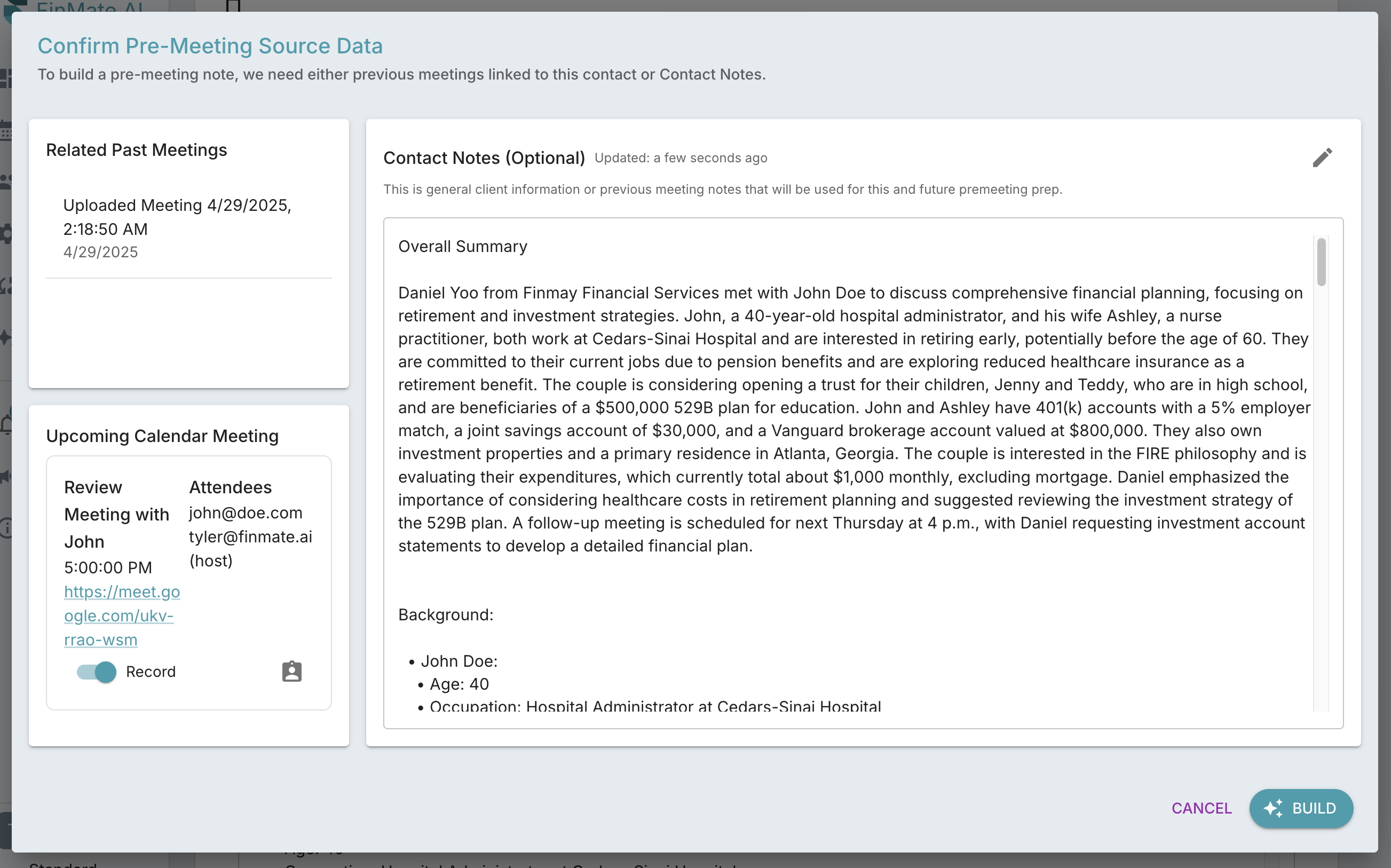
Manual build: Generate notes on-demand from Contacts > Contact Detail page
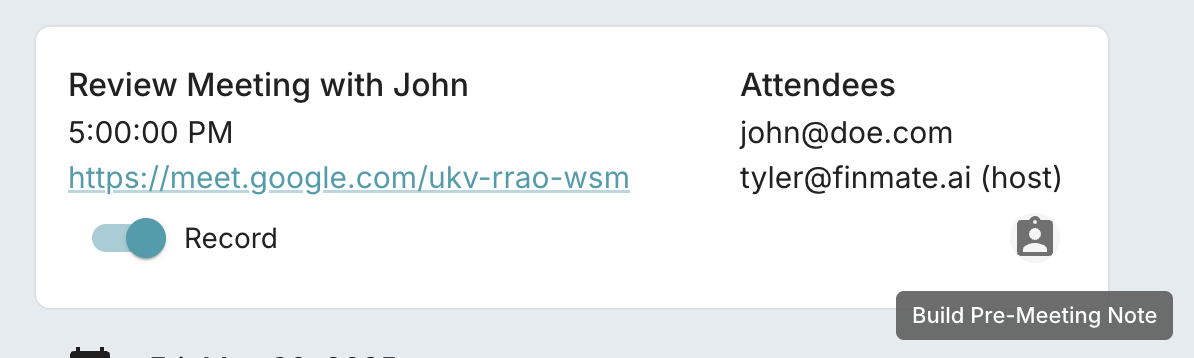
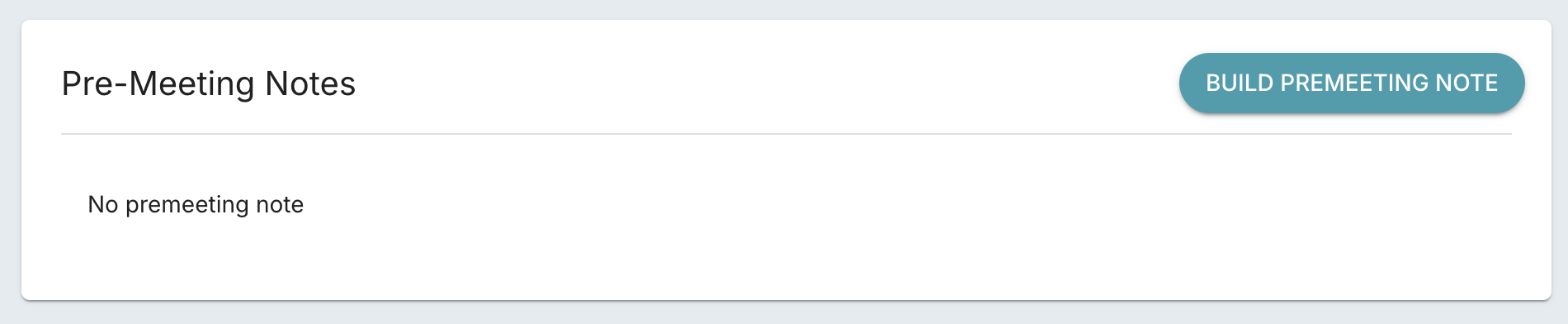 Also this can be accessed from calendar meetings.
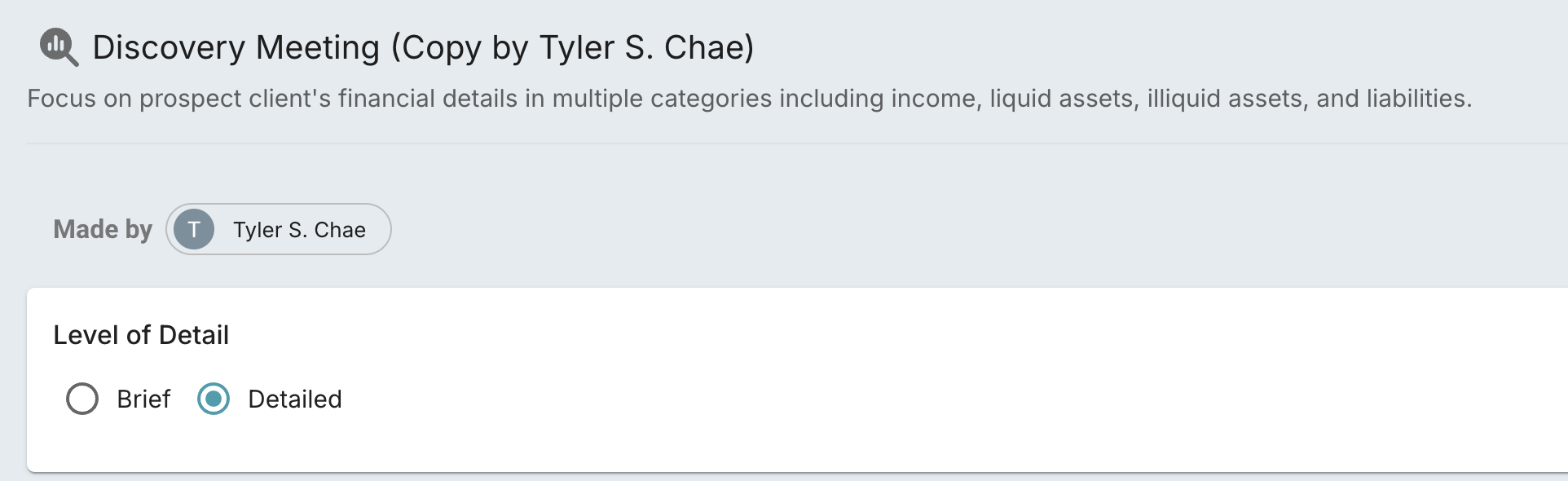
Finmate now offers two levels of detail for meeting summaries:
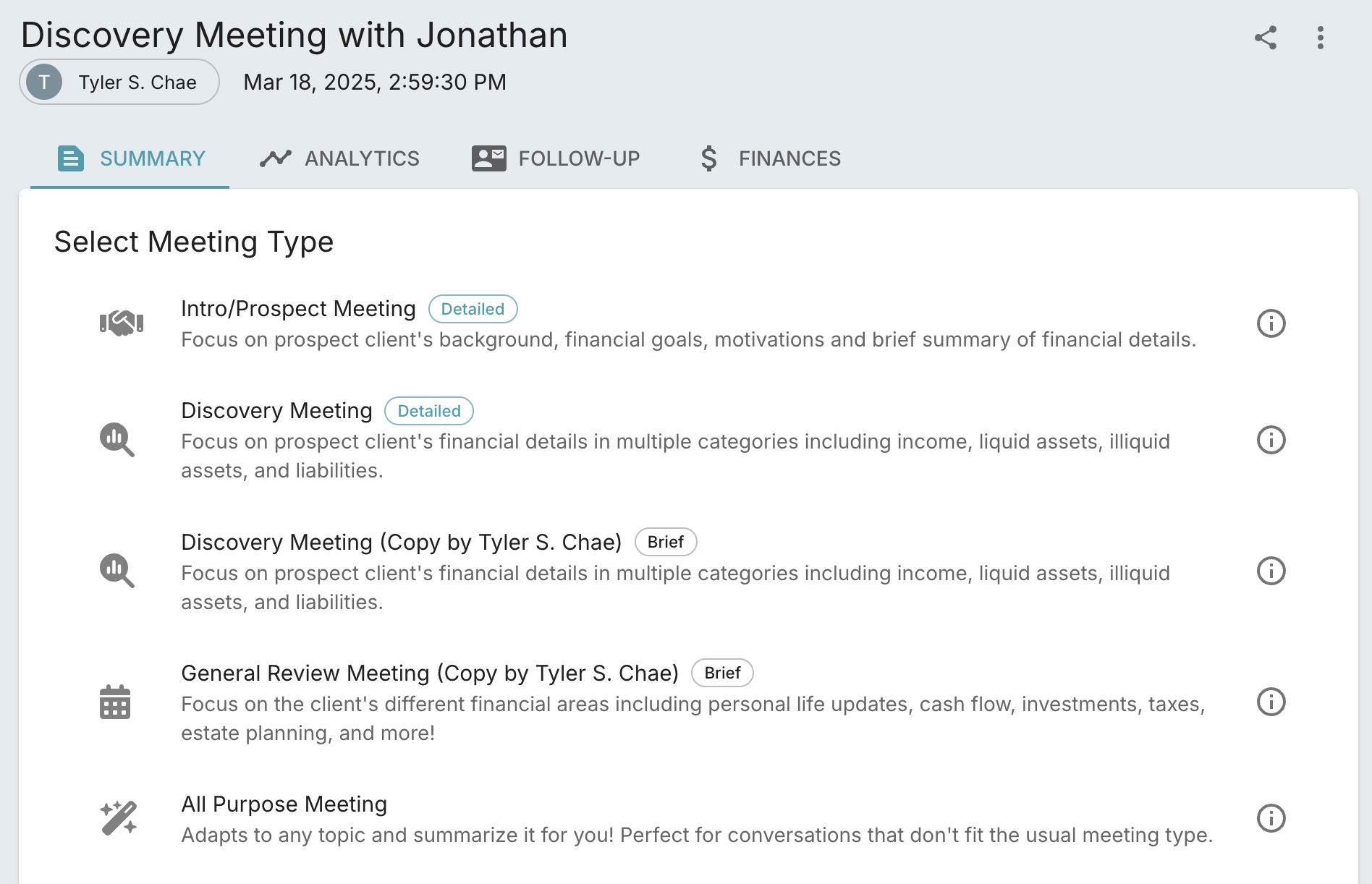
The default setting is now Detailed. For more concise summaries, simply switch to Brief in your template settings.