2 posts tagged with "Integrations"

View All Tags

Generate Financial Plans in eMoney, MoneyGuide, RightCapital, and more through PreciseFP

· One min read
Tyler Chae
Founder, CTO

FinMate now can automatically generate and transfer detailed financial records from your client meetings. Save time and reduce errors by eliminating manual data entry.
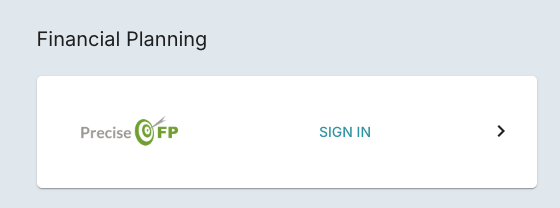
  1. Connect PreciseFP under Settings → Integrations → PreciseFP Integration
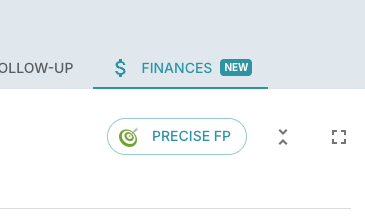
  2. After the meeting transcript is ready, go to Finances tab
  3. Click Build and wait for the generated data
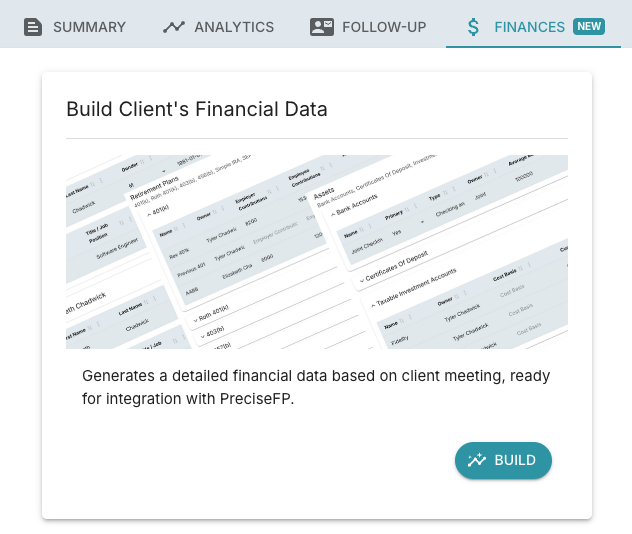
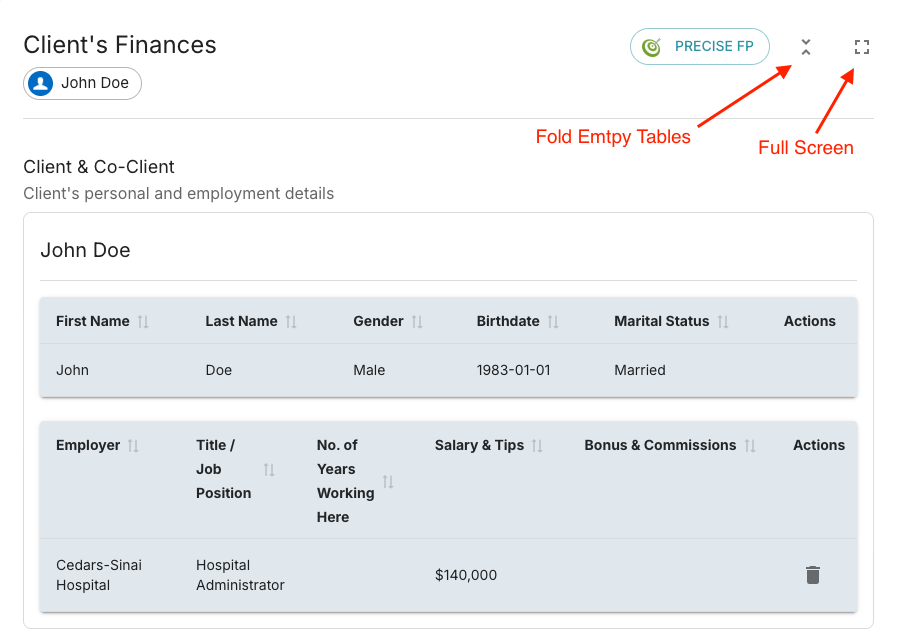
  4. After the data is ready, update the data (using "Fold Empty Tables" and "Full Screen" feature for better usability)
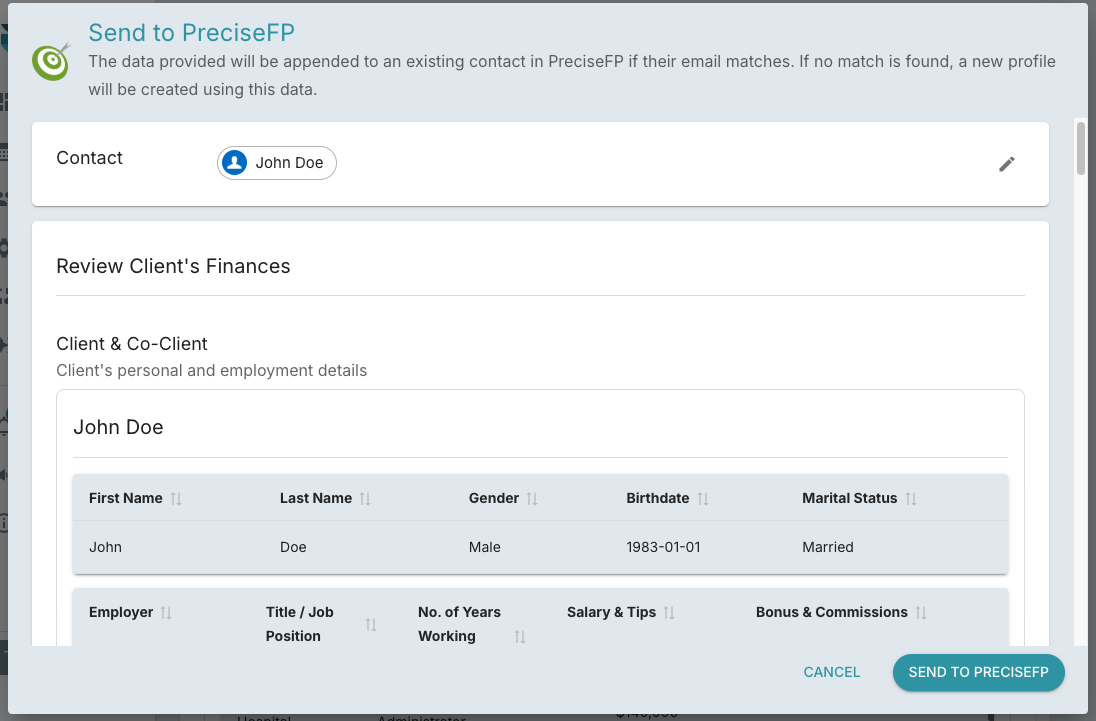
  5. Open PreciseFP dialog to confirm and send the data to PreciseFP
Salesforce, Practifi and Xlr8, Notes vs Notes and Attachments

· One min read
Jonathan Liu
Founder, Co-CEO

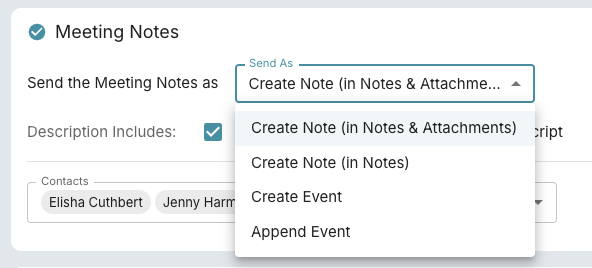
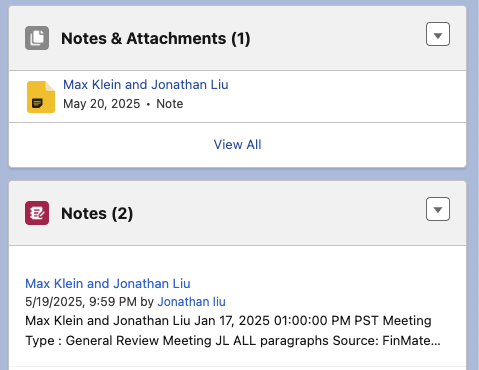
FinMate can now sends Notes to your CRM Platform as Notes & Attachments and as Notes.

Salesforce, Practifi, and Xlr8 CRM platforms operates multiple locations to attach notes. Yes its a bit confusing, we know, as you can see below.

Depending on your setup, you'll have one of these 2 CRM notes location.

We found that Practifi users, by default should use Create Note (in Notes). However with configuration changes, you can expose Notes and Attachments in your Practifi UI, so we'll leave the option available.