AI Chat
AI Chat is available on any page via the tab on the top right of the window.
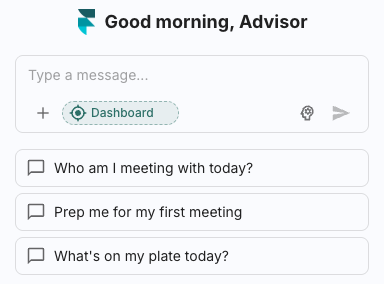
What can I do?
AI can help you with a wide array of topics, such as finding client information or meeting details.
Chat threads
Every conversation will be saved for you to pick back up later. These are called threads and can be seen and swapped to by clicking the chat icon on the top left of the chat card.
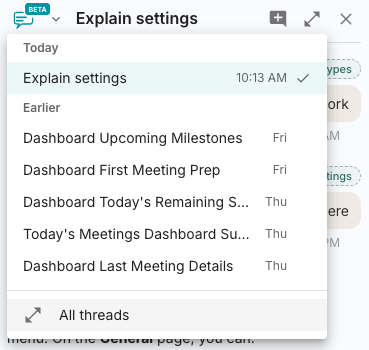
You can start a new thread at any time by clicking the grey chat icon with a white + inside it. This icon is located in the top right of the chat card.
Chat Settings
You can access your chat settings from the settings tab on the bottom left of the window and selecting chat.
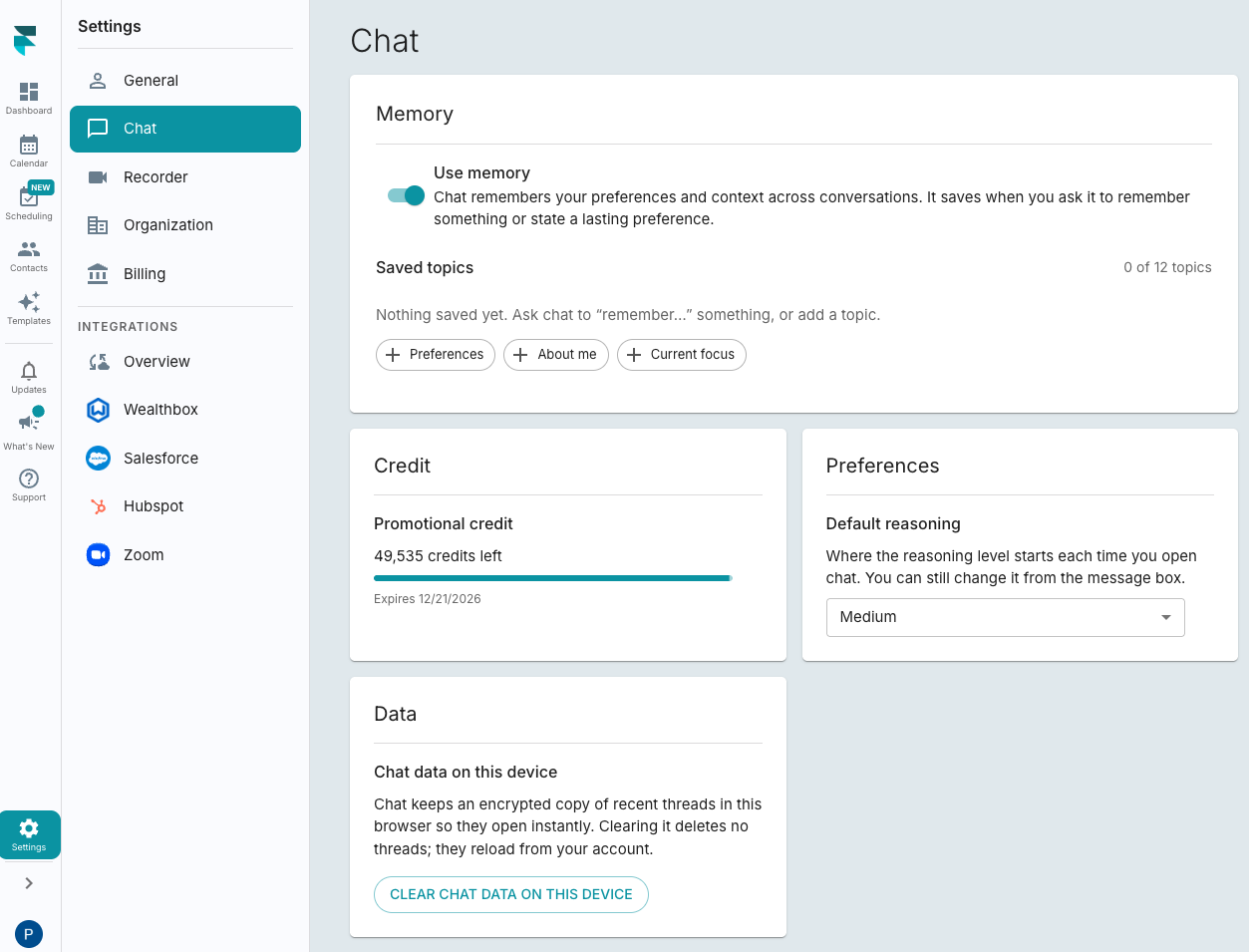
Here you can also see how many credits you have left.