4 posts tagged with "xlr8"

View All Tags

Salesforce Flows, Added support for ContentNote and Accounts

· One min read
Jonathan Liu
Founder, Co-CEO

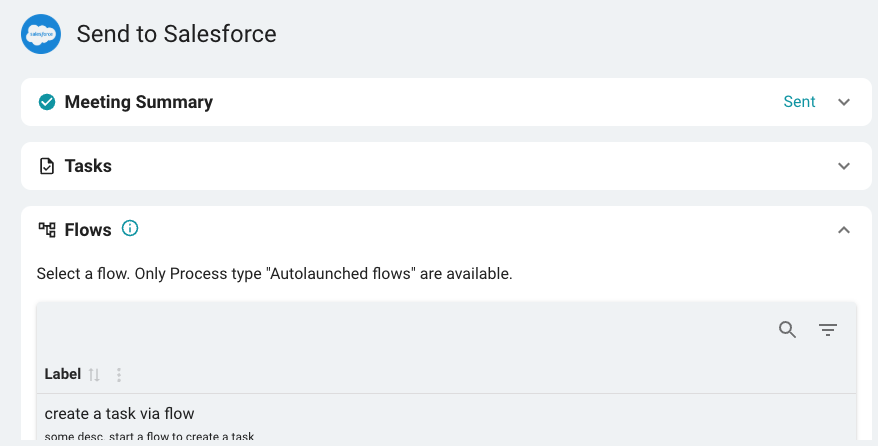
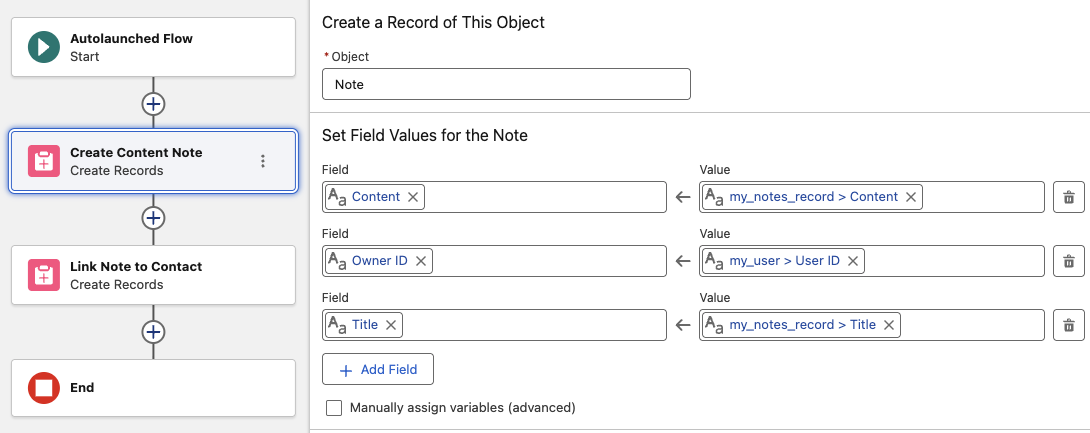
FinMate expands support for Salesforce Workflows. This includes Practifi, Xlr8, and Selentica. We've added ContentNote and Account(Household) support.

ContentNote is Salesforce modern way to attach notes(Meeting Summary, Tasks, Transcript...)

See Salesforce Flows for more details

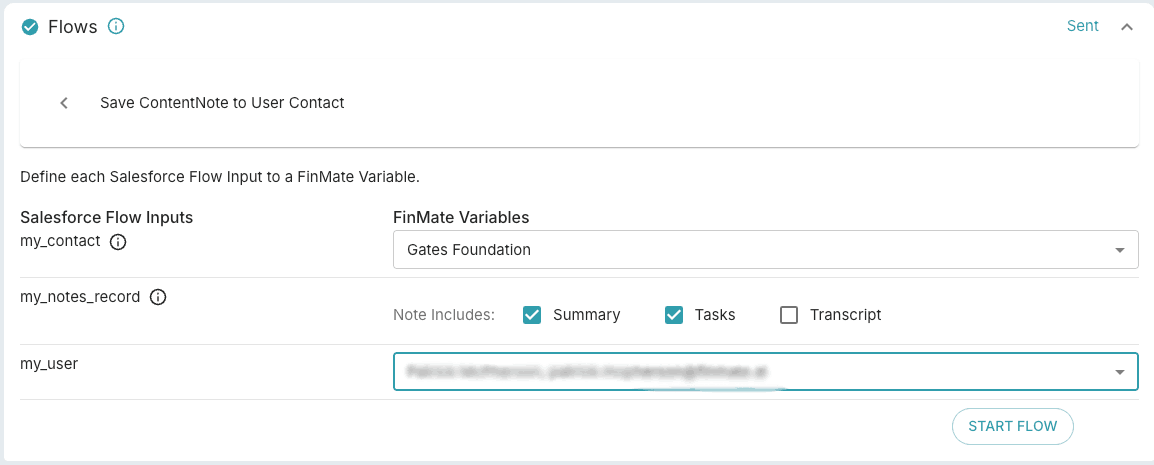
When selecting which contact you want(see "my_contact" in the image below), you'll see a list of Salesforce Contacts, Opportunities, and Accounts. We've added Record Type Account support.
Salesforce, Practifi and Xlr8, Notes vs Notes and Attachments

· One min read
Jonathan Liu
Founder, Co-CEO

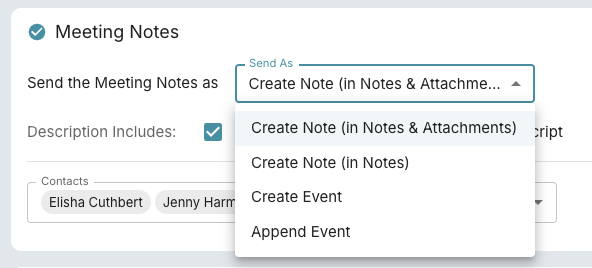
FinMate can now sends Notes to your CRM Platform as Notes & Attachments and as Notes.

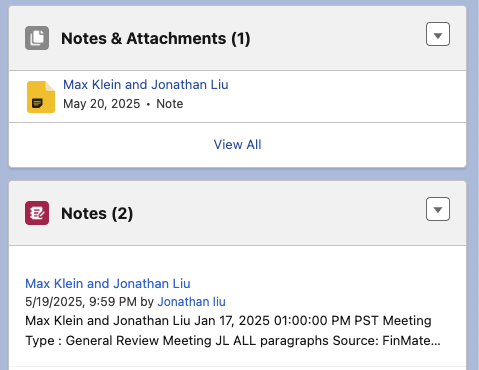
Salesforce, Practifi, and Xlr8 CRM platforms operates multiple locations to attach notes. Yes its a bit confusing, we know, as you can see below.

Depending on your setup, you'll have one of these 2 CRM notes location.

We found that Practifi users, by default should use Create Note (in Notes). However with configuration changes, you can expose Notes and Attachments in your Practifi UI, so we'll leave the option available.

Salesforce Multi Contacts

· One min read
Jonathan Liu
Founder, Co-CEO

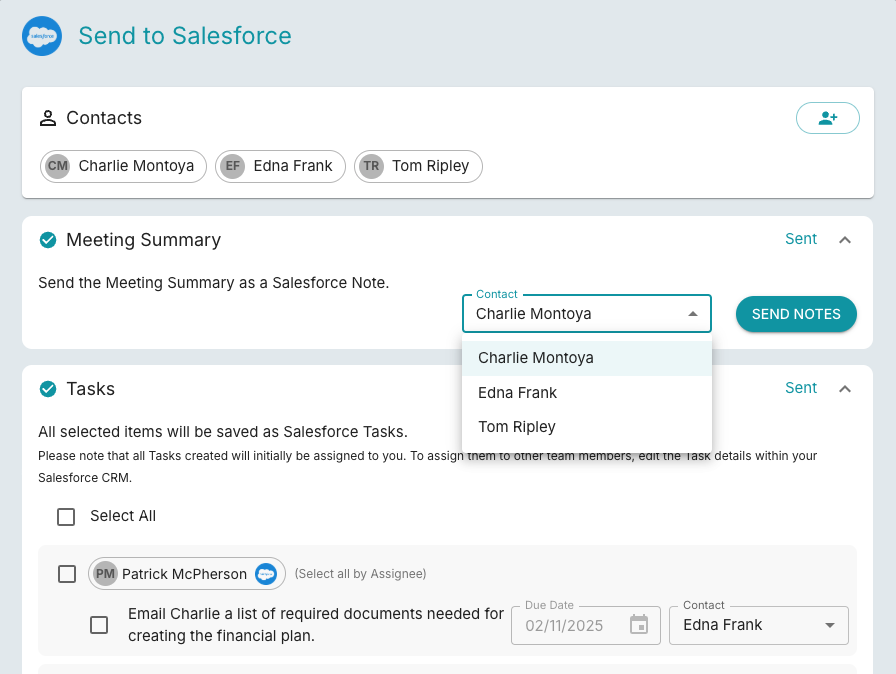
Salesforce Multicontacts now released. This feature also applies to Practifi, and Xlr8 customers.

You can send notes, tasks, and workflows to different contacts to make your workflow easier.

We also removed the the requirement for emails on Salesforce, Practifi and Xlr8 imports.