Sharing Meetings
Sharing Existing Meetings
You can share existing meetings with your colleagues and assistants.
-
Go to your meeting you want to share. Your url should look something like
https://app.finmate.ai/event/abcde.... -
at the top, find the share icon

-
Add the people in your organization to share the meeting.
Sharing Future Meetings
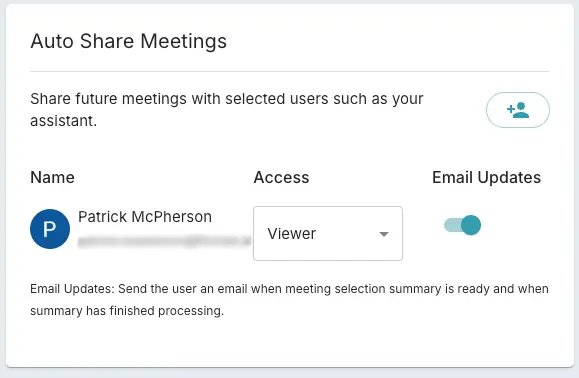
If you want to continually share meetings with your colleagues and assistants, you can auto share future meetings. As you take meetings, it will auto share with people in your organization.
- Go here https://app.finmate.ai/settings/recorder
- Find the Card that says "Auto Share Meetings".
- Add people in your organization you want to share.
View Shared Meetings
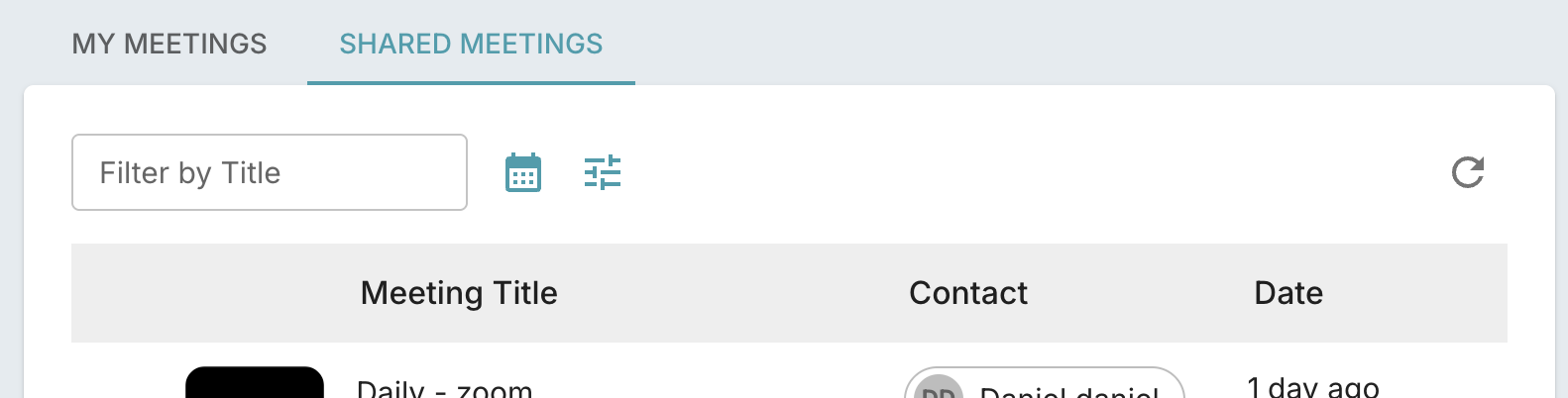
Meetings shared with you are listed in the Dashboard under the Shared Meetings tab.