Importing Contacts and Viewing Households
Importing Contacts
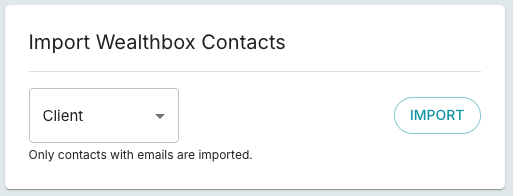
Go to our Wealthbox settings screen, and import wealthbox contacts For now, only contacts with emails are imported.
Households
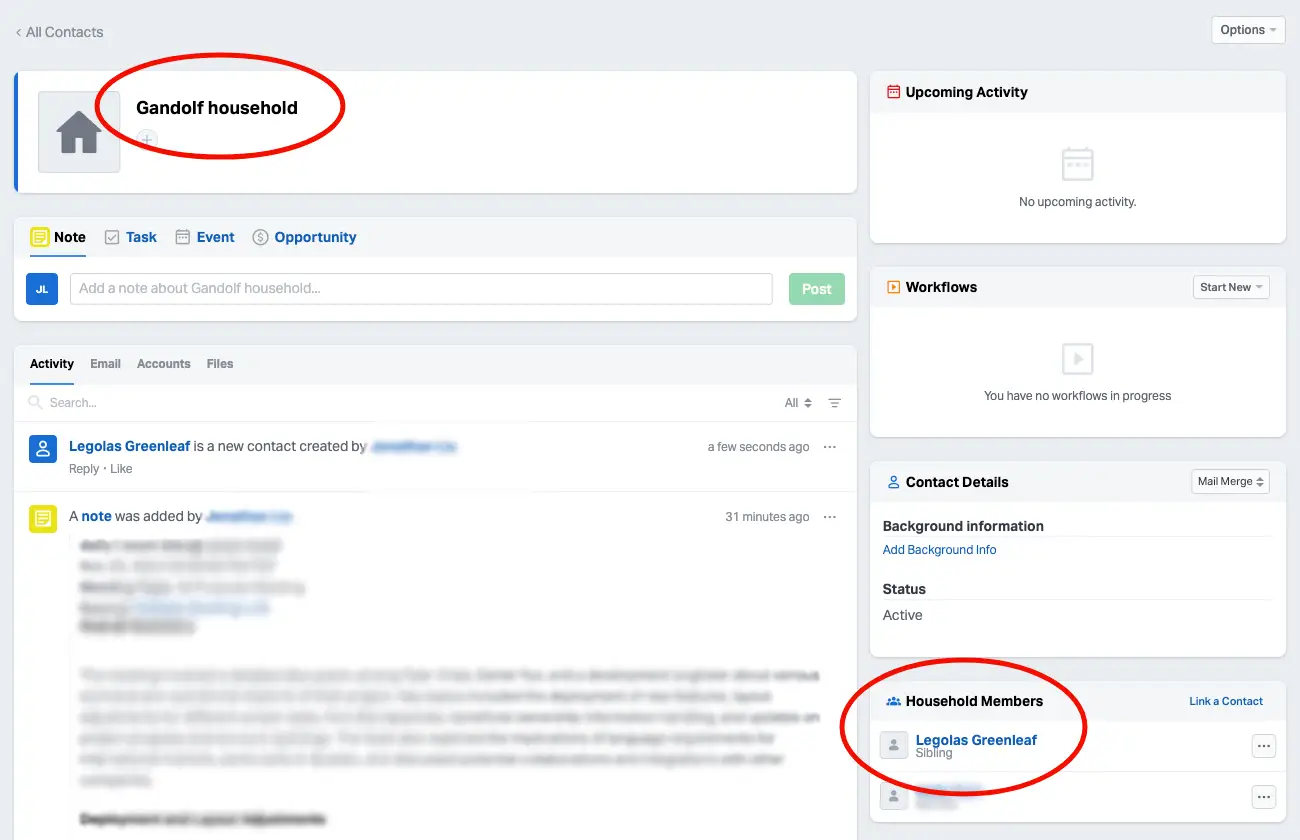
To view households, the wealthbox contact must have an email, and must be associated with a household
Setup on Wealthbox
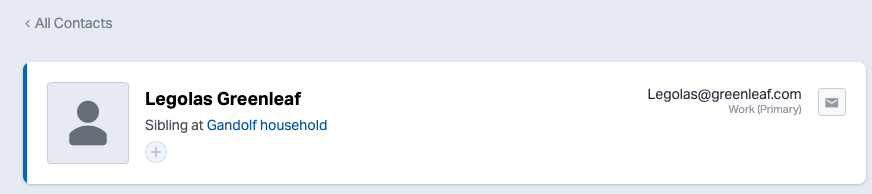
In Wealthbox, make sure your contact has an email and is connected to a household.
Setup on FinMate
-
In finmate, import your wealthbox contact, if any changes in wealthbox contacts.
-
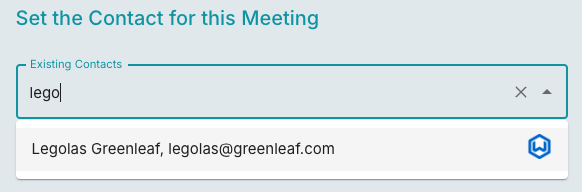
in the meeting, select your contact.
-
FinMate will connect to Wealthbox to see any matching households. Select your household
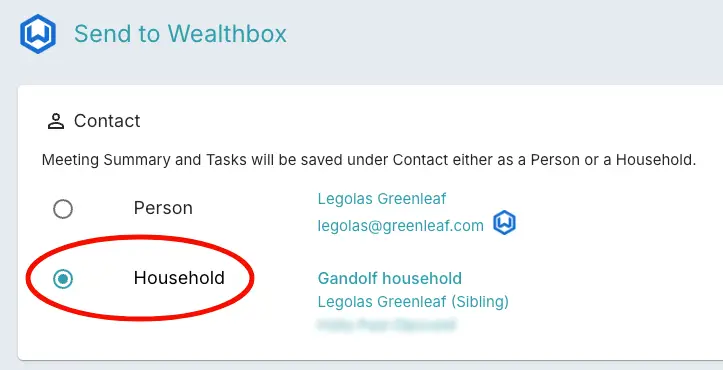
By sending to household, your notes and tasks will show up in that Wealthbox Household