How to Upload Past Meetings from Mobile App
For your peace of mind, FinMate AI mobile app maintains a 30-meeting backup on your device. If you encounter any sync issues or need to restore meetings, you can easily access this secure local backup. Follow these steps to manage your stored meetings.
-
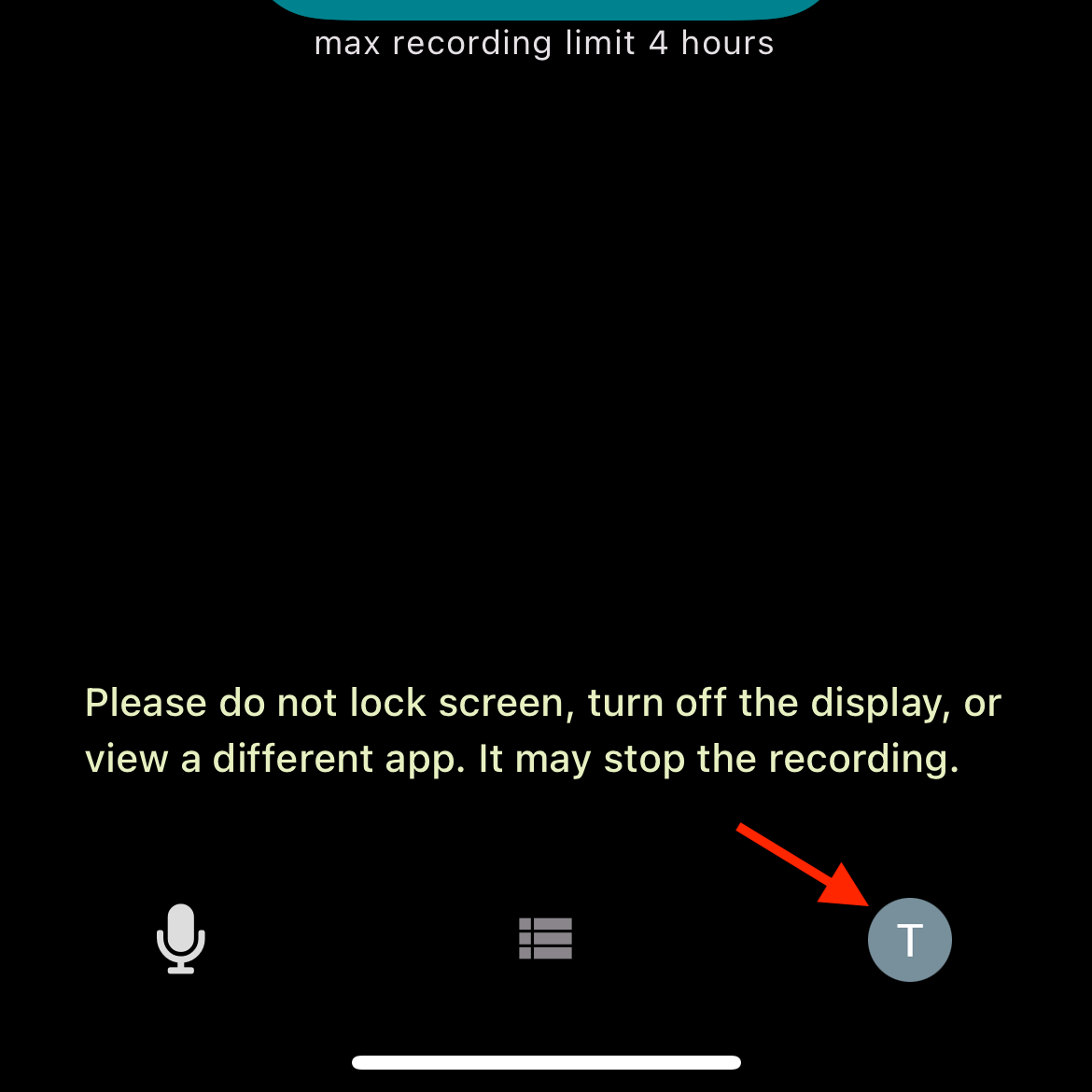
Go to Settings tab
-
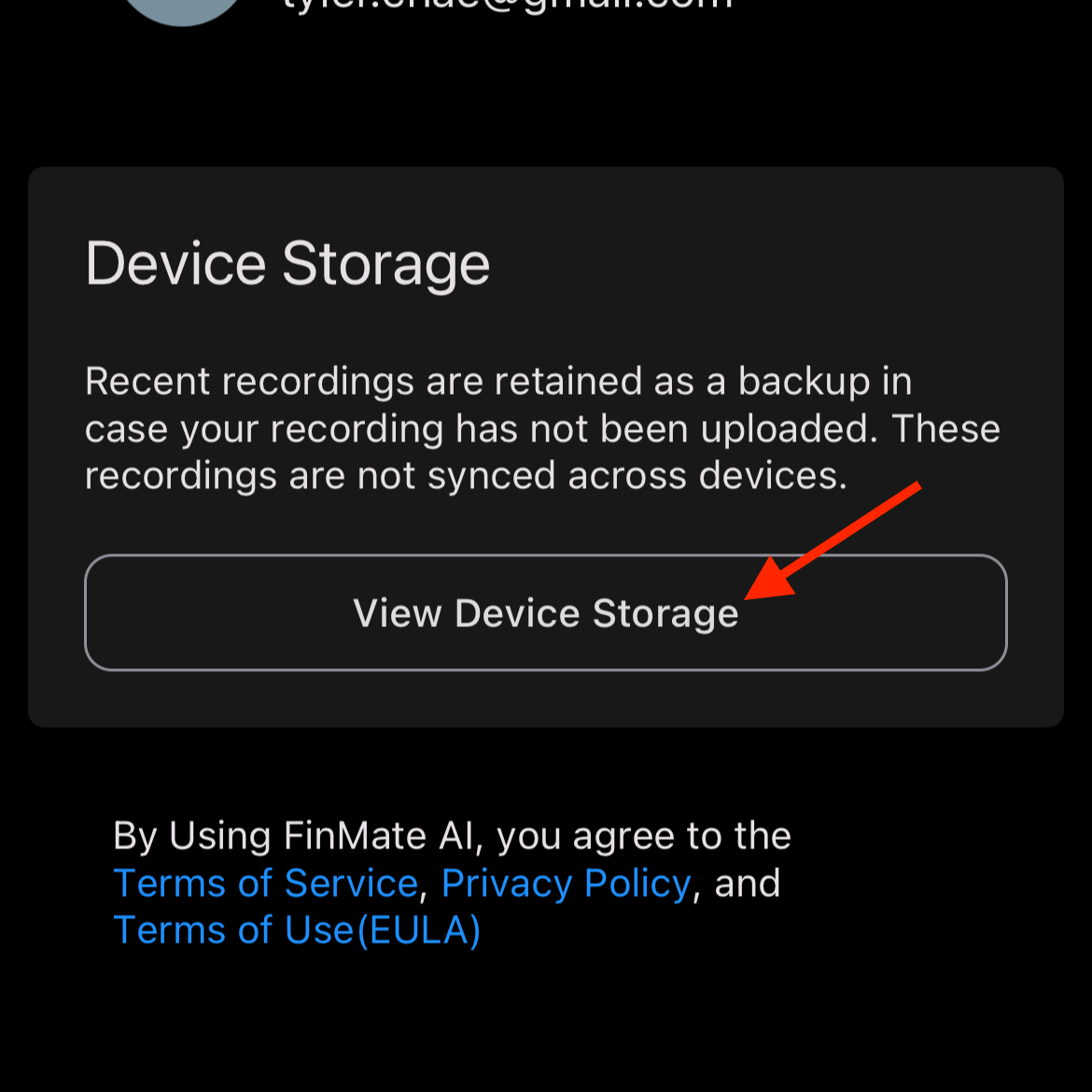
Touch "View Device Storage"
-
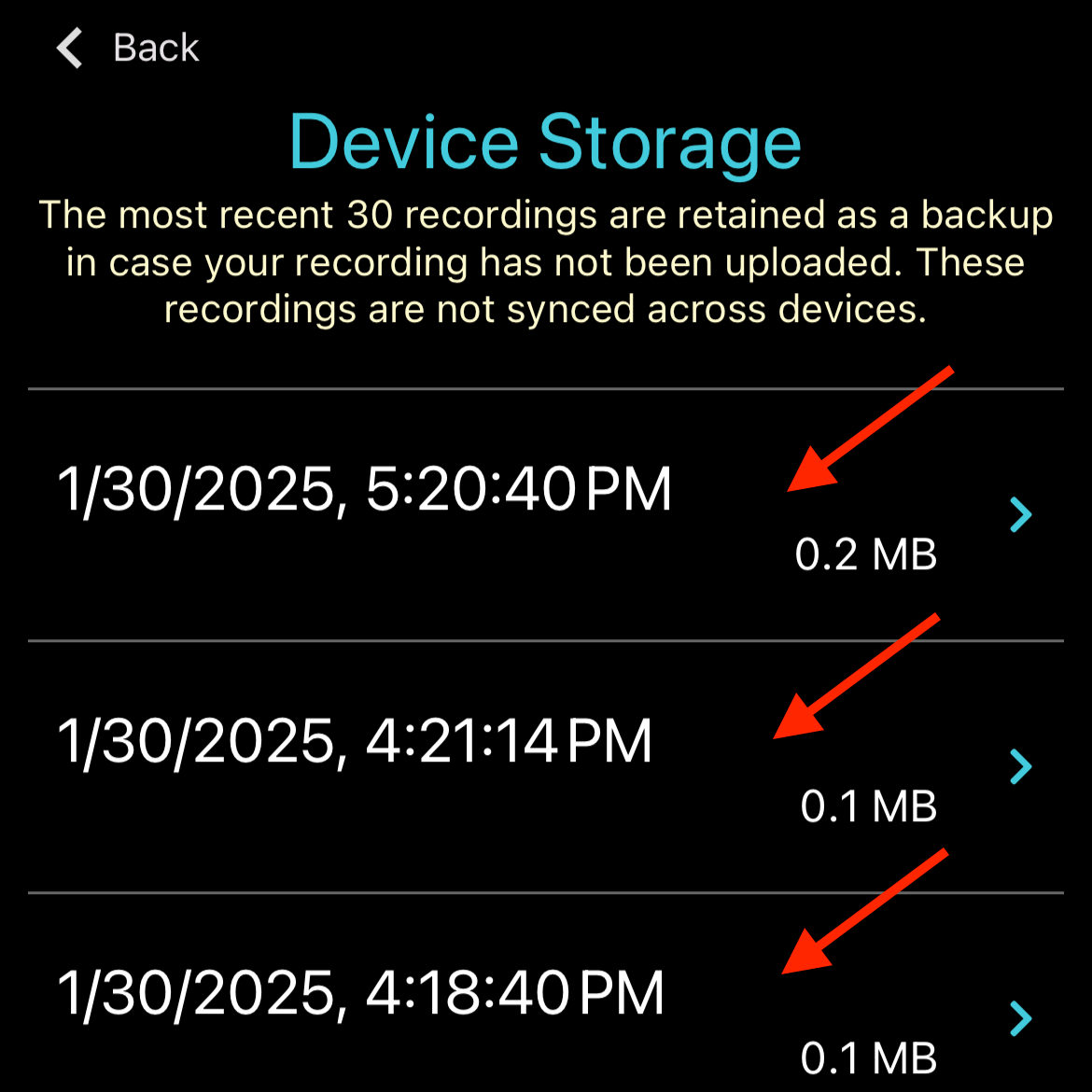
Browse through your stored meetings, which are listed by their timestamp (date and time when the meeting was conducted)
-
Identify and Select your desired meeting
-
Upload the meeting to FinMate AI